Smart-home technology is most useful when it solves everyday problems without making the home harder to operate. The best system is not the one with the most devices. It is the one that gives the household reliable control, clear routines and equipment that works together.
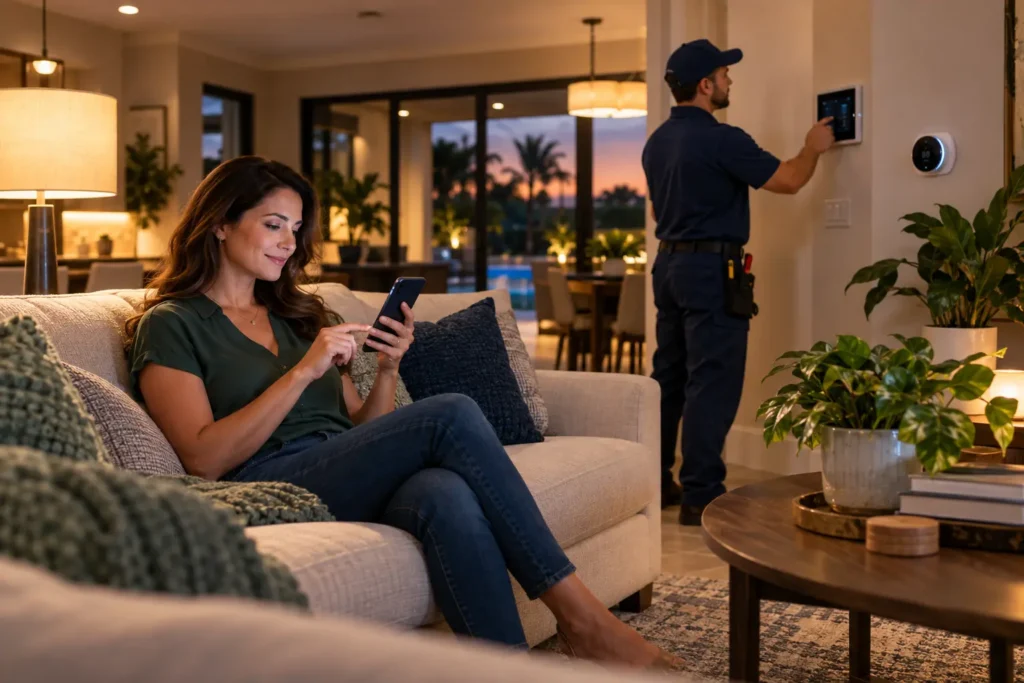
Thoughtful automation connects lighting, comfort and security around the way your household actually lives.
Start With Goals, Not Gadgets
Before selecting devices, identify what you want to improve. Is the priority comfort, energy management, lighting convenience, access control, security awareness or remote monitoring? A clear goal helps avoid a collection of disconnected products that require different apps and do not cooperate.
Professional planning is especially valuable when automation involves line-voltage lighting, HVAC controls, door hardware, cameras or network-dependent equipment.
1. Smart Climate Control
A compatible smart thermostat can simplify schedules, remote adjustments and temperature management. Some systems support sensors that help address how different parts of the home are used.
The thermostat must be compatible with the HVAC equipment and wired correctly. Comfort problems caused by ductwork, equipment condition or improper sizing will not be solved by a thermostat alone, so automation and HVAC diagnostics should work together.
2. Automated Lighting
Smart switches, dimmers, occupancy controls and schedules can make lighting more convenient while creating a consistent look. Common routines include exterior lights at sunset, pathway lighting after dark and an away scene that turns off selected circuits.
Professional installation helps confirm switch-box wiring, device compatibility, load type and placement. This is important with LED fixtures and multi-way switching.
3. Smart Locks and Entry Control
Smart access can help homeowners manage family entry, service appointments and temporary access without distributing permanent keys. Features vary, but may include unique codes, schedules and activity notifications.
Choose equipment based on door construction, weather exposure, security needs and the household’s preferred backup method. Automation should strengthen a practical access plan rather than create dependence on one phone.
4. Cameras and Video Doorbells
Properly placed cameras and video doorbells can improve awareness around entries, driveways and selected exterior areas. Useful results depend on viewing angle, lighting, network strength, storage choices and notification settings.
Placement should respect privacy and applicable rules. The objective is useful coverage with manageable alerts, not constant unnecessary notifications.
5. Integrated Scenes and Routines
The biggest improvement often comes from connecting individual functions. A goodnight scene might lock selected doors, adjust lighting and change the thermostat. An away routine might reduce energy use and activate security settings. A welcome scene can restore comfortable lighting and temperature.
These routines should remain understandable to every person who lives in the home. Manual controls and sensible fallbacks are important.
Do Smart Devices Work During an Internet Outage?
It depends on the system. Some functions operate locally while others depend heavily on cloud services. During planning, ask what happens if internet service is interrupted, a subscription changes or a device manufacturer discontinues support.
A reliable network is also part of the experience. Device placement, Wi-Fi coverage and system architecture can affect responsiveness.
Professional Smart-Home Installation in Florida
OM Power Services designs and installs smart lighting, climate controls, door locks, video doorbells, cameras, voice control and integrated home automation. Because our services also include licensed electrical and HVAC work, we can evaluate the systems behind the automation rather than treating every project as a collection of plug-in devices.
Choose a Platform With Long-Term Use in Mind
Compatibility matters more than the number of products listed on a box. Ask whether the system can support the devices you want now, how new users are added, what happens when a phone is replaced and whether important functions require a paid subscription.
Also consider who will maintain the system. A household should know where account credentials are stored, which person has administrative access and how ownership can be transferred if the property is sold.
Network Quality Is Part of Smart-Home Performance
Cameras, doorbells and wireless controls depend on consistent connectivity. A device at the edge of Wi-Fi coverage may respond slowly or disconnect even when the device itself is functioning correctly. Large homes, concrete construction and outdoor locations can require additional network planning.
Before adding many devices, evaluate coverage where those devices will operate. Separating critical automation from guest access and using strong account security can improve both reliability and privacy.
Automation for Storms, Travel and Seasonal Residents
Florida homeowners often want useful visibility while away. Lighting schedules, access notifications, temperature alerts and selected camera views can support property awareness. Automation can also help owners confirm that HVAC settings were adjusted or that a door was secured.
However, a smart-home system is not a substitute for storm preparation, monitored life-safety equipment or professional property management. Build routines that support a broader plan and test them before travel or severe weather.
Professional Installation vs. Do-It-Yourself Devices
Plug-in products can be appropriate for simple needs. Professional installation becomes more valuable when devices require line-voltage wiring, interact with HVAC equipment, control multiple circuits or need reliable integration across the property.
A professional can also reduce visual clutter by planning device locations, power sources and cable routes. The result should feel like part of the home, not a collection of add-ons.
Build Security and Privacy Into the Setup
Use unique passwords, multifactor authentication when available and separate user access rather than sharing one administrator credential with everyone. Keep device firmware and controller software current, and remove access for contractors, guests or former household members when it is no longer needed.
Camera placement deserves particular care. Aim for useful coverage of your property while avoiding unnecessary views into neighboring spaces. Review how recordings are stored, how long they are retained and who can view them.
Plan for Everyday Usability
Automations should make common tasks simpler. A wall switch should still make sense to a guest, and essential functions should not require finding one specific phone. Label controls where helpful and document the most important routines.
Households with children, older adults or short-term guests may need different access and notification choices. Good design accounts for the people using the home, not just the technology.
How to Prepare for a Smart-Home Consultation
List the rooms and routines you want to improve, the devices already installed and any recurring connectivity problems. Note whether you use a preferred voice assistant or ecosystem, but remain open to compatibility recommendations.
During a walkthrough, the installer can review electrical locations, HVAC controls, network coverage, entry points and camera views. This creates a phased plan with priorities instead of a collection of impulse purchases.
Frequently Asked Questions
Can I add smart-home features gradually?
Yes. A phased plan can begin with the highest-priority function and preserve compatibility for future devices.
Will a smart thermostat lower every home’s energy bill?
It can support better scheduling and control, but savings depend on equipment, settings, building conditions and household behavior. It cannot correct a mechanical HVAC problem.
Does OM Power Services install both electrical and automation components?
Yes. OM Power Services provides electrical, HVAC and smart-home services. Call (754) 271-1130 or request a consultation.